Turn a photo of your parts into a real-size outline
Free on every plan, with no limit on how many photos you trace.
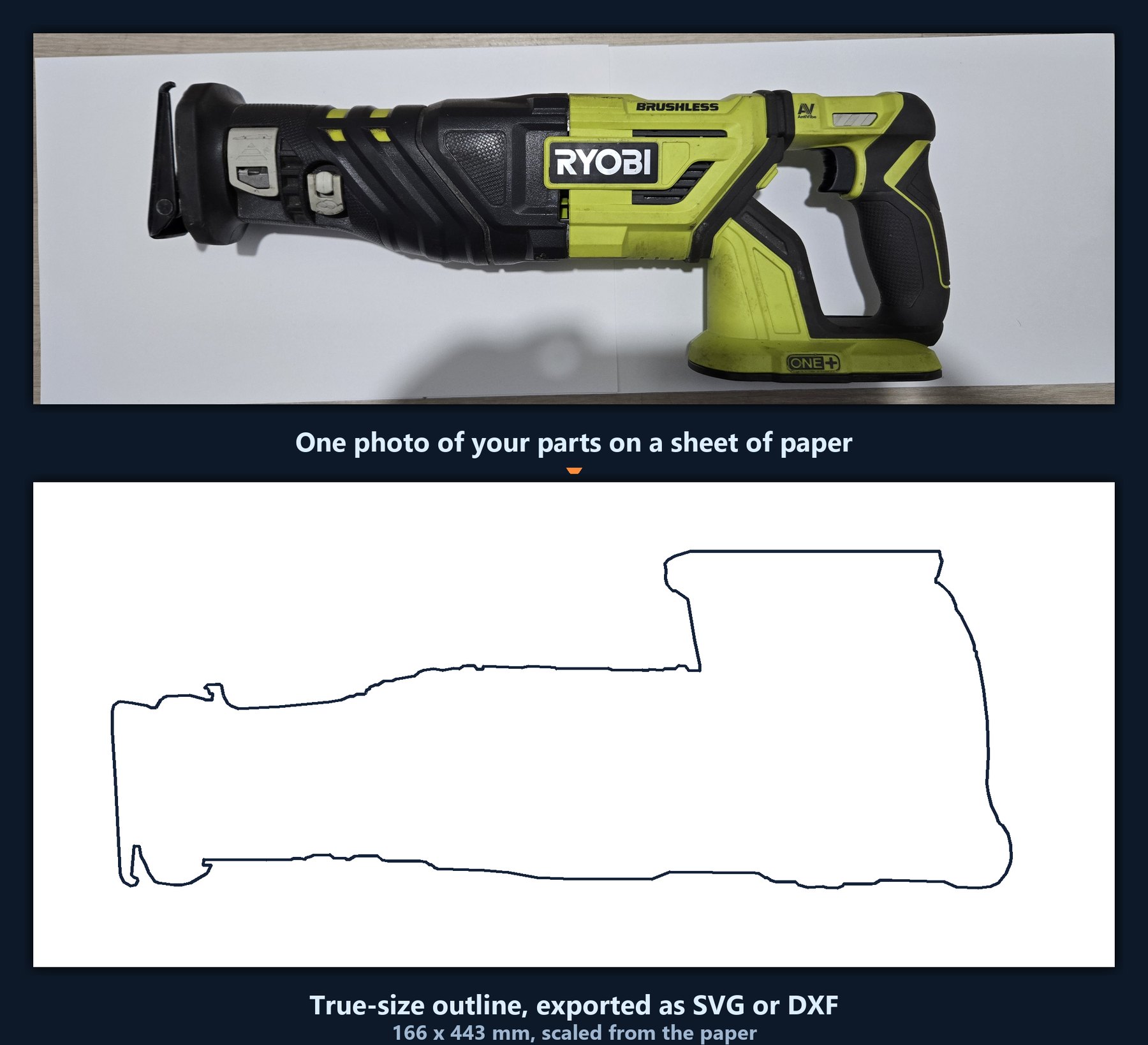
Making a drawer insert, a Gridfinity pocket, a tool tray or a foam cut-out means measuring awkward shapes. Instead, lay the parts on a sheet of paper, take a photo from straight above, and MakerQ traces their outlines at true size.
The paper is the ruler. MakerQ knows how big a Letter or A4 sheet is, so it corrects the angle of your photo and gets the scale right.
What you get
- SVG and DXF in real millimetres, ready for Fusion, Onshape, Inkscape or your slicer
- Drag the four corner markers for a tighter result: auto-detected corners land within about a millimetre, placed by hand around a tenth
- Add clearance so the part drops into the pocket instead of jamming
- Smooth the edges, ignore specks of dust, bridge a shiny edge that broke the outline, or keep a real hole like a handle opening
- Works from a flatbed scan too, which skips the angle correction entirely
Tips for a good trace
- Shoot from straight above, with the whole sheet in frame
- Use plain white paper on a darker surface so the corners stand out
- Check one object of known size before you print a whole insert